

Your home office should make starting work easy, keep you focused, and reduce stress at the end of the day. If your desk is cluttered or supplies are scattered, it’s tough to stay on track. The good news is that smart organization ideas can make your space calm without needing a big remodel.
This guide will show you how to organize your home office step by step. You’ll create zones that fit how you work. This means less time searching for things and a cleaner look for video calls. Your work-from-home setup will feel more professional.
First, you’ll assess your workspace and set clear goals. Then, you’ll make your desk comfortable and productive. Next, you’ll declutter without feeling overwhelmed. After that, you’ll create simple systems for paper, cables, storage, and small supplies.
By the end, you’ll know how to arrange a layout in small spaces, improve focus with lighting and ergonomics, and keep everything tidy with quick routines. You’ll also learn about practical products, so you understand why you’re buying them.
Key Takeaways
-
Use home office organization ideas to cut distractions and speed up task startup.
-
Build a work-from-home setup around your daily tasks, not just what looks nice.
-
Organize home office zones so supplies and tech stay where you reach for them.
-
Declutter office areas in small steps to avoid decision fatigue.
-
Improve home office productivity with paper, cable, and storage systems that stay simple.
-
Keep your space tidy with short daily and weekly resets, not long cleanups.
Assess Your Workspace and Set Organization Goals

Before you start buying bins or adding shelves, do a quick workspace check. Measure your floor space and desk depth. Also, trace the paths you use most, like from chair to printer or doorway.
Notice where outlets are, where daylight hits, and which corners are dim by afternoon. This helps you understand your space better.
Look at where clutter tends to pile up. It might be where mail lands, where chargers get tangled, or where notebooks pile up. This is your first step in organizing your home office.
Then, think about how you work. If you’re computer-heavy, you’ll need cable access, monitor space, and a clean surface for your keyboard and mouse. If you’re paper-heavy, plan for folders, a shredder, and a tray for active documents.
Consider your day, too. If you’re on many video calls, you need a stable camera angle and a tidy background. If you do deep work, you might need fewer items on your desk and more within reach.
Set organization goals you can track. Try targets like “clear desktop by end of day,” “no loose papers on the floor,” “everything has a labeled home,” or “5-minute weekly reset on Friday.” Small, specific goals help keep your work-from-home plan on track.
As you look around, imagine simple zones you’ll create later. There will be a work zone for daily tasks, a reference zone for manuals and files, a supply zone for staples and pens, and a charging zone for tech. Take a baseline photo of your setup today. This way, you can compare changes and spot patterns when clutter starts to return.
Choose the Right Desk Setup for Productivity
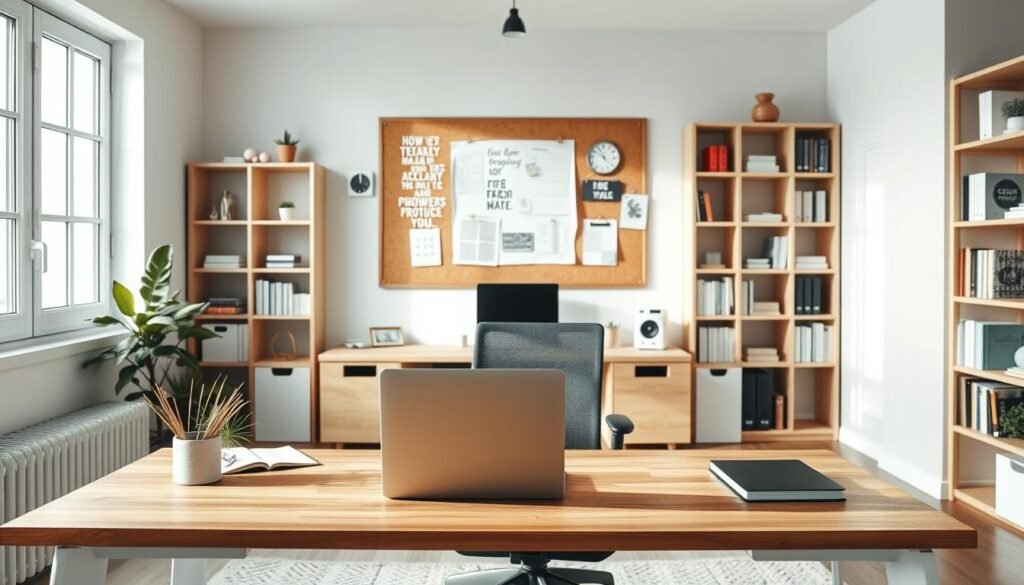
Your desk should match your space and tasks. A compact desk is great for laptops and notebooks. For paperwork, a bigger desk or L-shape helps you organize.
In small rooms, a corner desk can free up space. A floating desk makes your area feel open and less cluttered.
The key to a productive desk is a clear surface. Keep essentials like your keyboard and mouse within reach. Store the rest in a drawer, shelf, or bin.
An ergonomic desk setup helps you focus. Place your monitor in front of you, at eye level. Adjust its distance based on your comfort and screen size.
Position your chair so your feet are flat and knees are almost straight. Use a footrest if your feet hang. Keep your keyboard and mouse close to avoid straining your wrists.
Organize your desk with a simple layout. Put your monitor in the middle and your notebook on one side. Use a pen cup on the other side. A small catchall helps keep your inbox tidy.
Choose desk organizers that save space. A slim drawer can hold chargers and notes. Under-desk hooks and a riser with storage keep your area neat. A desk mat also helps keep your space organized.
Home office organization ideas that maximize every inch
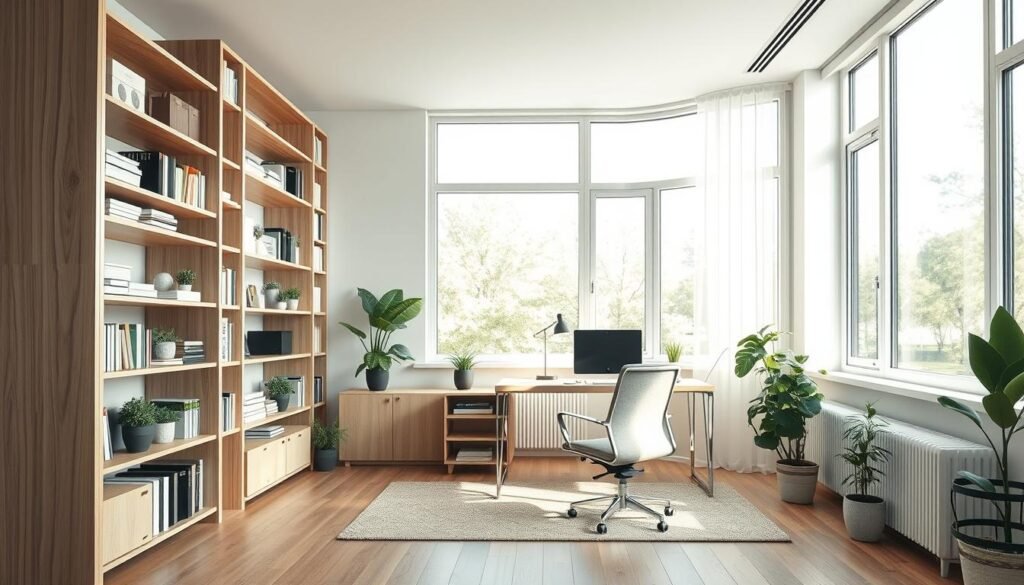
When your office is small, think up, not out. Vertical storage, like wall shelves and pegboards, keeps tools visible but off your desk. This is a simple way to organize your small home office.
Stackable bins are also useful. They help you sort items by task and grab what you need quickly. This keeps your desk clear, helping you focus and use space wisely.
Don’t ignore spots you usually overlook. Add a behind-the-door organizer for cords and notebooks. Also, use under-desk storage to keep things out of the way.
Inside-cabinet door pockets are perfect for small items like scissors and batteries. A narrow rolling cart can fit between a desk and wall, giving you extra space.
Thin storage is better than bulky boxes in tight rooms. Use upright file holders and wall pockets to keep notebooks and mail organized without stacking.
Low-profile boxes under a sofa table or credenza are great for storing paper and chargers. These ideas keep essentials close and extras hidden.
Choose items that serve more than one purpose to save space. A storage ottoman can hide supplies and provide a quick seat. A cabinet can also serve as a printer stand.
A desk with built-in drawers is a smart choice for a small office. It reduces the need for extra furniture. Remember, store items by how often you use them. Daily items should be closest, weekly items within reach, and occasional items higher or hidden.
Declutter Your Home Office Without Getting Overwhelmed
Start small when decluttering your home office to avoid feeling overwhelmed. Set a timer for 15 minutes and focus on one area, like a drawer or shelf. These tips help you stay focused and keep your stress levels down.
Sort items quickly using a simple system: Keep, Relocate, Recycle/Shred, Donate/Sell, and Trash. This method makes it easy to decide what to do with each item. For documents, sort them by action first, then organize them by “file” or “process” to keep them off your desk.
Many messes in home offices come from a few common items. These include outdated paperwork, duplicate office supplies, old chargers, mystery cables, and unused electronics. Add free swag and projects you’ll do someday, and your space quickly becomes cluttered. Be strict with items you haven’t used in a year, as they can easily be replaced.
To avoid re-piling, use a small “decisions container” for items you can’t deal with right away. Set a deadline, like every Friday afternoon, to handle them. This keeps your desk clear for work, not storage.
Set a rule for your desktop: keep one area clear, like the space in front of your keyboard. If something lands there, it must go to a home or be dealt with in your next decluttering session. This rule helps you keep clutter at bay without striving for perfection.
Build a Paper Management System That Sticks
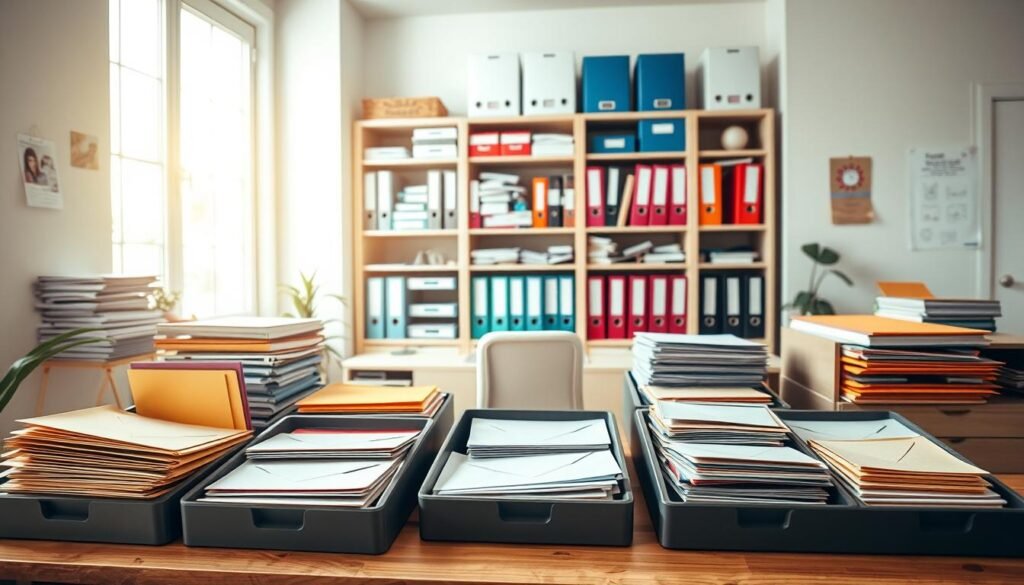
A good paper system follows one simple rule: Incoming → Action → File. You handle paper as it comes in, decide what to do with it, and file it the same day.
Have a mail sorting station near your door and a recycling bin next to it. Open mail there, throw away junk, and keep only what’s important.
For papers you keep, use a small tray system: one for “Action” and one for “To File.” This keeps your desk tidy and makes filing a routine.
Your filing system should be practical, not perfect. Start with basic folders like Taxes, Insurance, Home, Auto, Medical, Work, and Receipts/Warranties.
Choose storage that fits your needs. A portable file box is good for light use, a file drawer for weekly needs, and an archive bin for long-term storage.
Keep tools handy for quick filing: labeled files, tabbed folders, sheet protectors, and a shredder. Also, have an organizer for important documents like passports and contracts.
Go digital when you can. Scan important pages, name files consistently, back them up, and keep only originals that are essential or hard to replace.
Organize Cables and Tech Accessories for a Clean Look
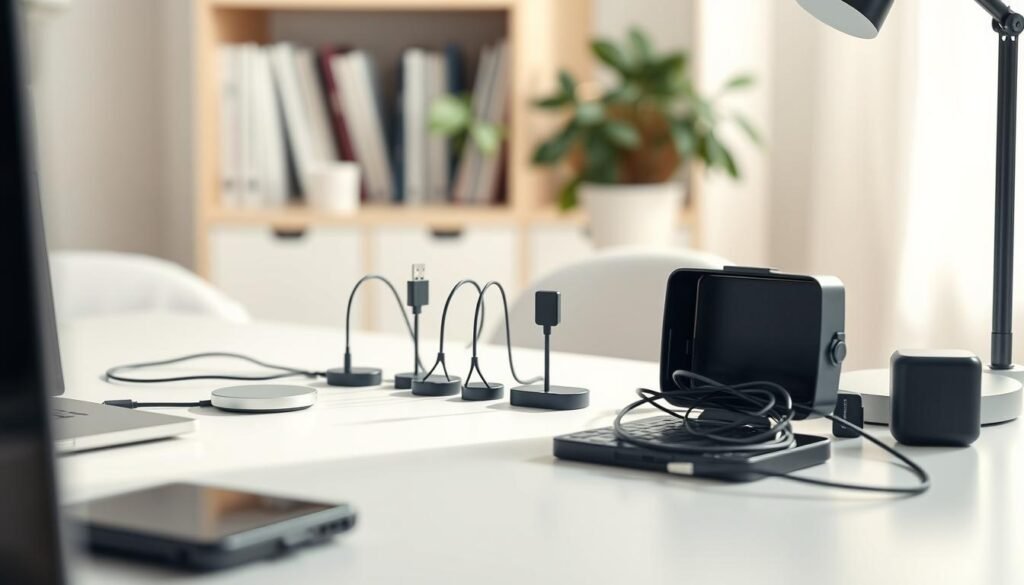
Begin by finding every cord in your home office. Unplug each item and label it. This makes organizing easier and avoids confusion later.
Then, plan your cable routes like a path. Use the desk edge and clips to keep cords out of the way. This prevents tripping when you move your chair.
After planning, bundle your cords. Use ties for flexible groups and sleeves for fixed ones. A cable box can hide a power strip, keeping things tidy.
Keep your charging station organized to prevent clutter. Choose a single spot for charging and use a dock or vertical station. Store spare cables in a bin to keep them from getting lost.
Organize your tech accessories too. Hang headphones and store a webcam in a pouch. Use a case for adapters and dongles for quick access.
Lastly, focus on safety. Don’t overload outlets and keep power bricks well-ventilated. Avoid pinching cords under chair wheels. These habits keep your space safe and organized.
Maximize Storage with Shelving, Cabinets, and Hidden Solutions
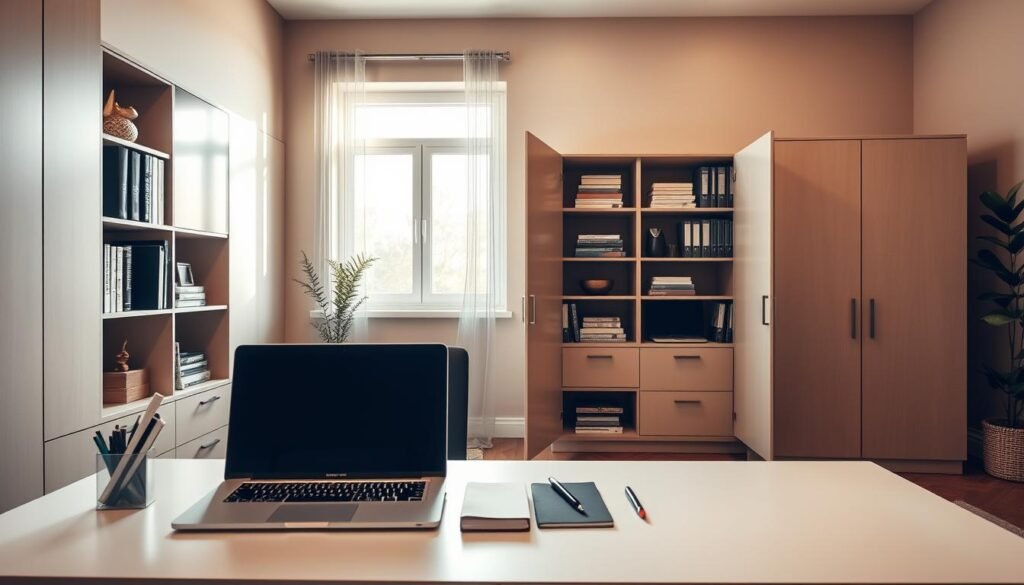
Start with what you use every week for great home office storage ideas. Keep your favorite tools within reach and hide the rest. This keeps your desk tidy and saves time.
For organizing shelves, use open ones for items you like to see, like books or plants. Close doors for messy stuff, like cables and unopened supplies. This keeps your space useful and uncluttered.
Measure real objects for shelf height, not guesses. This ensures you use every inch of space, which is crucial in small offices.
Use containers to stop shelves from getting cluttered. Label bins and boxes for papers and small items. Inside cabinets, add dividers and trays for better organization without new furniture.
Hidden storage keeps your office calm, even when you’re tight on time. Try under-desk drawers, storage benches, or rolling file cabinets. Low-profile bins under a credenza hold backups and cords without blocking the floor.
Make labels clear and easy to read. Use one font, high-contrast text, and simple names like “Mail” or “Chargers.” A clear system helps keep your space organized, even on busy days.
Create a Supply Station for Small Office Items
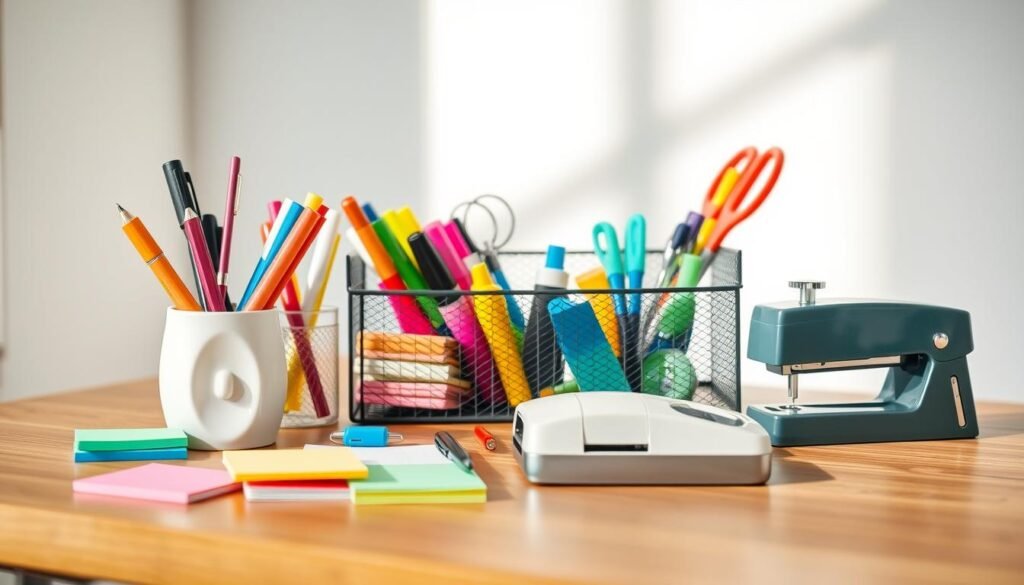
A simple supply station keeps your desktop clear. You stop parking “just in case” extras on your work surface. When office supply organization has one home, you spend less time hunting and more time working.
Start with supply station ideas that match how you work. Then group items by task. Keep writing tools together, set a bin for mailing and shipping, and add a small spot for printing needs like paper and toner notes.
Give planning tools their own container. This way, you can organize stationery without mixing it with cords and adapters.
For small item storage, choose containers that don’t waste space. Drawer dividers support desk drawer organization for pens, clips, and sticky notes. Small stackable bins, clear lidded containers, and a rotating organizer help you see what you have.
Label sheets or a label maker keeps categories consistent.
Add a restock boundary to prevent overflow. Keep only one backup of your most-used items, such as paper, pens, and sticky notes. This rule keeps office supply organization tight and stops overbuying from turning into clutter.
Use a quick-access rule so your station stays easy to use. Store daily supplies at arm level, occasional items higher or lower, and rarely used items in a secondary spot like a cabinet or shelf. When your desk drawer organization follows this pattern, small item storage stays neat even on busy weeks.
Design a Functional Layout for Small Spaces and Shared Rooms
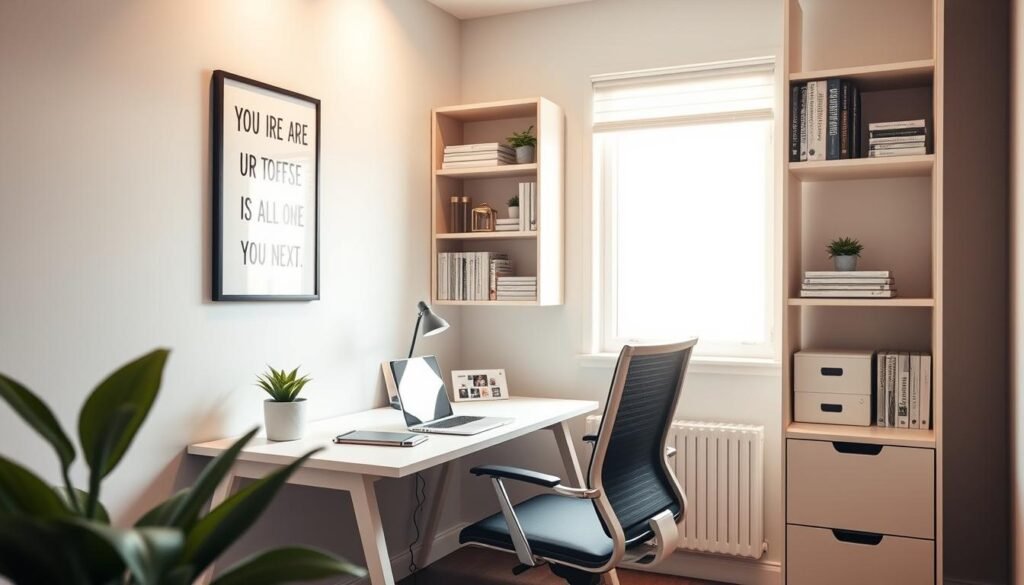
Your best small home office layout starts with real limits, not wishful thinking. Place your desk near outlets to avoid cord clutter. Also, position it where daylight hits from the side to reduce screen glare. Before you commit, test the noise at your busiest hour and check what shows up behind you on video calls.
If you’re building a home office in living room, clear boundaries matter. Use workspace zoning with a slim bookcase, a curtain, or a folding screen to separate “work” from “off” time. A distinct rug and a dedicated lamp can also help create a clear boundary.
For a tiny footprint, a compact office layout works best when it faces a wall. This angle keeps your focus steady and makes the room feel calmer. Add floating shelves above the desk for files, a headset, and a printer, so your work surface stays open.
A shared home office setup runs smoother when your gear can move fast. Try a rolling cart for chargers, notebooks, and a laptop stand, then park it out of sight when the room changes purpose. Use cable clips and a cord box to keep the floor clear and safer for kids and pets.
To protect privacy and sound, soften the space. A thicker curtain, a fabric chair, or a small area rug helps reduce echo during calls. Position your seat so you’re not facing a busy path, and add closed storage so the room looks tidy the minute you sign off.
Improve Focus with Lighting, Ergonomics, and a Calming Aesthetic
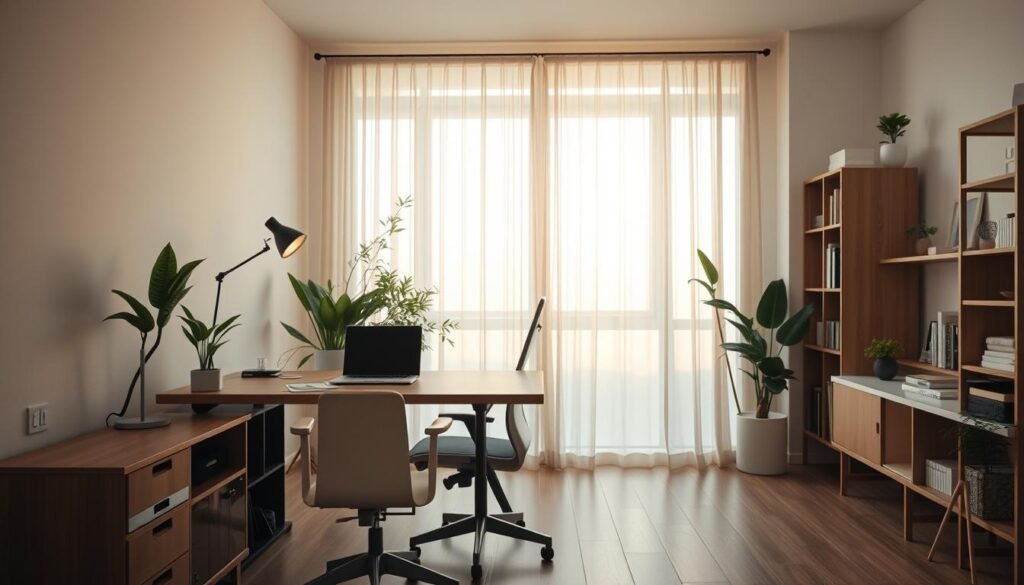
Good light keeps you sharp and comfortable. Start with ambient room light, then add a focused desk lamp for detail work. These home office lighting tips help cut eye strain and support a steady productivity environment.
To reduce glare, place your monitor so it sits sideways to windows, not facing them. Simple shades or light-filtering curtains can soften harsh sun. A matte desk surface also helps reduce distractions caused by reflections and flicker.
An ergonomic home office is about small alignment wins that add up. Set your screen so the top is near eye level, and keep your elbows close to your sides while you type. Put daily items—like your notebook, headset, and charger—within easy reach, so you don’t break focus.
Build a calming workspace by tightening up what you see first. Limit color clutter, choose matching containers, and store busy categories behind cabinet doors. Keep wall décor minimal and intentional, so your eyes land on your work, not the mess.
Finish with a few sensory upgrades that keep you moving forward. Add a small plant to soften hard edges, and place a simple clock where you can glance at time. Give water its own spot on your desk to reduce distractions from extra trips, and keep your productivity environment steady.
Create Daily and Weekly Reset Routines to Stay Organized
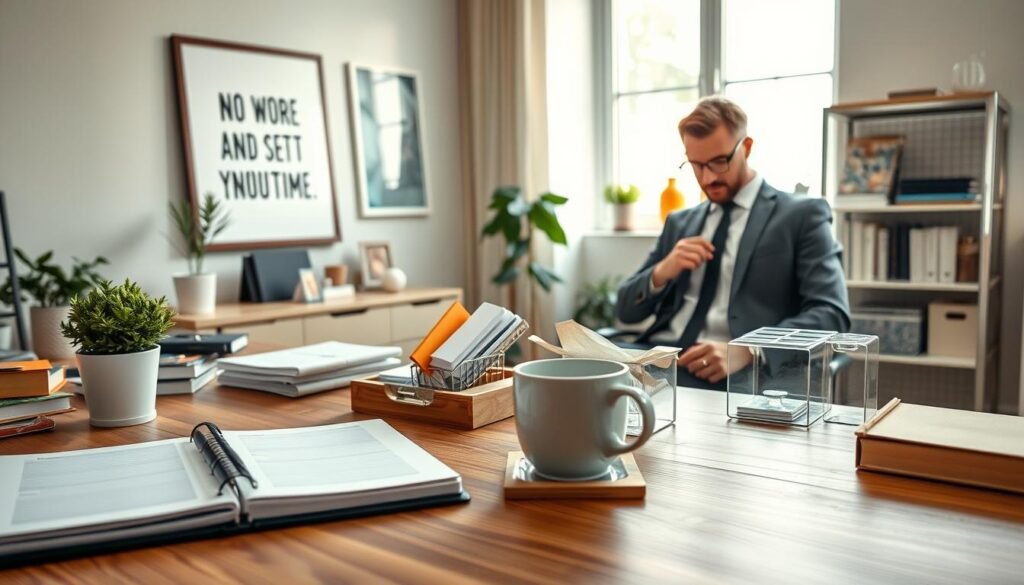
Your space won’t stay tidy by luck. It stays tidy with a daily reset routine, even when you’re tired. Think of it as a quick desk reset that keeps clutter from building up.
Set a five-minute timer at the end of your workday. Clear your desktop, return supplies, and empty the trash. Then, sort your paper inbox and set out tomorrow’s task.
Once a week, spend 20–30 minutes on a weekly organization routine. File papers, wipe surfaces, and check supplies. Also, clean up downloads and straighten cables.
Make these routines automatic by linking them to specific times. Tie them to your laptop shutdown, Friday wrap-up, or Sunday planning. This way, you reset without hesitation.
Use a simple rule to keep things organized: if you can’t put something away in under 10 seconds, it needs a better home. This might mean moving a bin or labeling a drawer. It’s about fixing the system, not relying on willpower.
Every quarter, do a seasonal review to keep your home office comfortable. Get rid of old documents and tech accessories. Also, reassess your layout for your current projects. A small reset now saves you from a big cleanout later.
Pick Useful Organization Products You’ll Actually Use
Start by identifying the problem, not just what looks good. If paper keeps piling up, look for filing supplies that fit your daily needs. You might need letter trays for today’s tasks, a vertical file organizer for ongoing projects, and labeled folders for quick access.
Don’t forget a portable file box for important documents, document sleeves for loose pages, and a shredder to get rid of old mail.
If your desk is too cluttered, pick desk organizers that are worth the space. A desktop drawer unit keeps small tools organized, while a monitor riser with storage saves room under the screen. A desk mat helps define your workspace, and a pen cup with compartments makes finding pens and pencils easy.
For closets, shelves, and corners, use storage bins that stack and stay in place. Choose lidded boxes for items you don’t need every day, drawer dividers for tight spaces, and shelf baskets to organize supplies by task. If you move around, a rolling file cabinet keeps your work organized without cluttering the floor.
For tech clutter, focus on quick fixes rather than a complete overhaul. Tools like cable clips, hook-and-loop ties, cord labels, a cable sleeve, and a power-strip box can reduce clutter fast. A charging dock keeps devices organized in one spot.
Before buying any organization products, measure your space first. Choose adjustable pieces you can label and avoid oversized bins that encourage dumping. Test each tool: if it adds steps, you won’t use it. Opt for the simplest solution.